10 Signs Your Dental Scheduling Software Is Failing You in 2026
Double-bookings, scheduling frustrations, and silent no-shows? Ten warning signs your dental software is failing — and what to fix before you switch.
Quick answer
Dental software fails when you see double-bookings, manual reminder overload, billing disconnected from appointments, and staff workarounds on paper. 10 warning signs — including scheduling disruptions and rising no-shows — mean it is time to audit or switch platforms within 60 days.
If your team jokes that the scheduling software is "extra work," it is already failing — even if the subscription auto-renews every month.
These 10 signs map to real scheduling disruptions and dental software problems clinic owners search for in 2026. Catch them early or plan a switch.
Key takeaways
- Parallel paper schedules mean the software lost trust.
- Rising no-shows often trace to broken reminder workflows.
- Billing separated from appointments slows collections.
- 10+ minutes to book one appointment signals UX failure.
- Switching beats patching when 3+ signs are chronic.
1. Double-bookings happen weekly
Modern dental scheduling software should enforce dentist, chair, and buffer rules. Repeated conflicts mean rules are missing or staff bypass the system.
2. Reception keeps a paper backup diary
When the digital calendar is not the source of truth, you pay for two systems and still lose data.
3. Scheduling frustrations spike after adding a second dentist
Multi-provider practices need per-dentist hours and shared visibility — see multi-dentist scheduling.
4. No-show rate flat or rising despite "reminders"
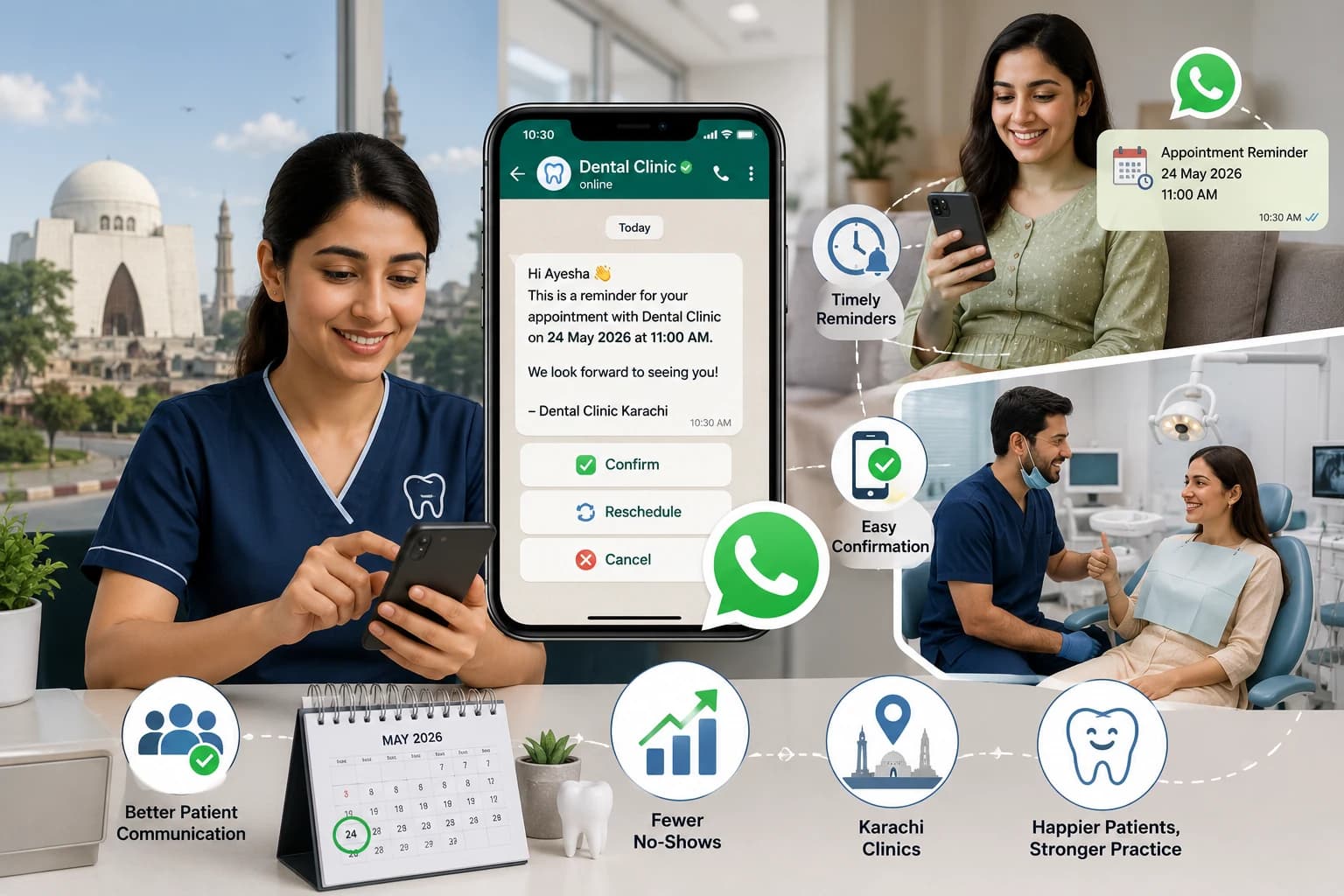
Manual calls do not scale. Compare no-show cost vs WhatsApp automation. Reminders must tie to live appointments in your dental software.
5. Patients cannot self-book online
Phone-only booking increases front-desk load and errors. Public booking forms reduce scheduling friction.
6. Invoices are re-typed from paper notes
Billing should pull from documented treatments — dental billing software linked to the same patient record.
7. Reports take hours in Excel
If leadership cannot answer "no-shows this month" in one click, reporting is broken.
8. Staff turnover rises after software changes
Bad UX burns out receptionists. Train staff in 7 days only works with intuitive tools.
9. Dentists avoid charting in the system
Incomplete records defeat the purpose of patient records software.
10. Vendor support response exceeds 48 hours
Clinical operations cannot pause for ticket queues during Monday morning rush.
Audit scorecard
| Sign | Frequency | Action |
|---|---|---|
| Any 1–2 | Occasional | Configure fixes |
| 3–5 | Weekly | 30-day improvement plan |
| 6+ | Daily | Start switch evaluation |
Switch vs fix decision tree
Fix in place if: single missing setting, new staff training gap, or one module unused.
Switch if: core scheduling, billing, and reminders cannot share data; vendor roadmap stalled; or costs exceed value for 2+ quarters.
Read how to choose dental software and best dental software compared.
Migration without chaos
1. Export patient CSV
2. Run parallel calendars 2 weeks
3. Cut over on a Sunday evening
4. Keep old system read-only 30 days
Full digital transition: go fully digital guide.
The Bottom Line
Scheduling software frustrations in 2026 are solvable — but not with duct tape on a failing platform. Ten chronic signs mean it is time to trial modern dental software.
About Denzif
Denzif is cloud dental practice management for established small-to-mid clinics in Pakistan — patients, appointments, treatments, billing, inventory, WhatsApp reminders, and optional AI on Standard. Get custom PKR pricing or request a private walkthrough.
Frequently Asked Questions
Double-bookings, staff maintaining parallel paper schedules, rising no-shows despite reminders, and inability to see multi-dentist availability in one view are core failure signals.
Ready to put this into practice?
Custom PKR pricing for established clinics. Private walkthrough after we confirm fit. Setup in about 15 minutes.